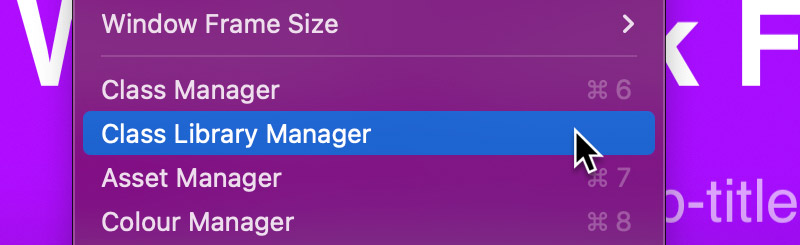
The Class Library Manager enables users to store the custom classes that they create so that they can be re-used in any Blocs project.
Store a Class
There are two ways to store custom classes in the Class Library, one via the Class Manager and another via the Class Editor.
Store Class with Class Manager
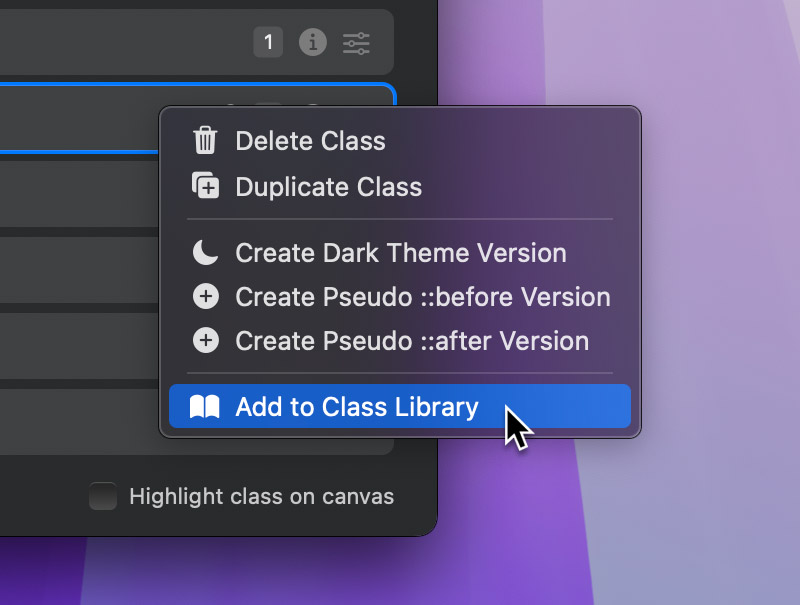
To store a custom class in the Class Library using the Class Manager, right click an item in the class list and select Add Class to Library.
Store Class with Class Editor
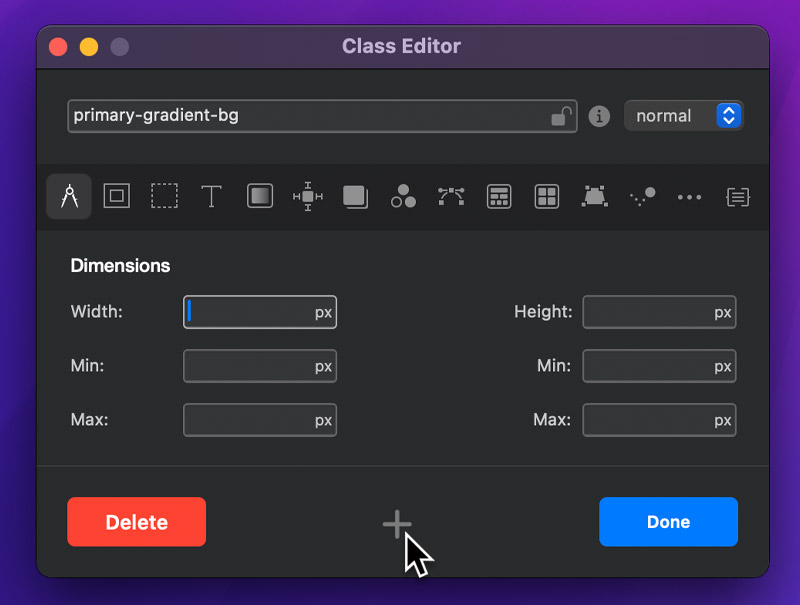
To store a custom class in the Class Library using the Class Editor, simply click the + button located between the delete and done buttons, at the bottom of the Class Editor window.
Use a stored class
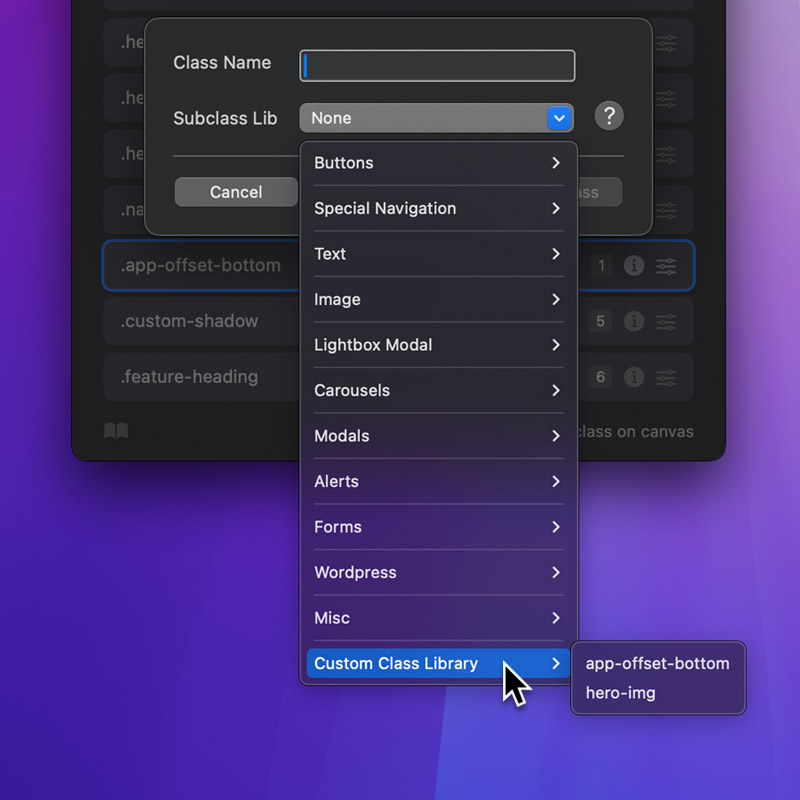
To use a previously saved custom class, click the + button in the top-right corner of the Class Manager, then select the class from the Subclass Library dropdown, under the Custom Class Library submenu.
Manage stored classes
To manage all of the stored custom classes in the Class Library, head to the main menu Window > Class Library Manager. From here you can remove any of the classes that are stored in your library by selecting one and then clicking the – button.