The Extractor lets you quickly extract images, fonts, and colours from any live website and import them into your Blocs project. It’s ideal for migrating from another website builder or redesigning a client’s existing site. Requires Blocs Plus
Open The Extractor
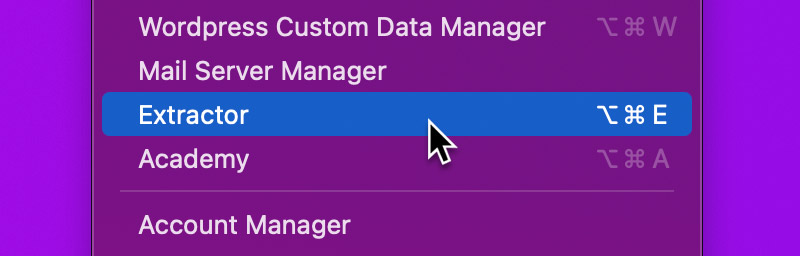
To launch the Extractor, head up to the Main Menu Bar and from the Windows menu, select Extractor or alternatively use the keyboard shortcut ⌥⌘E.
Extract Content
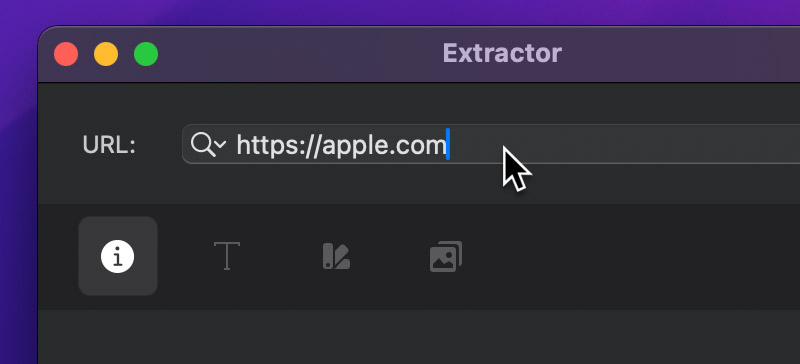
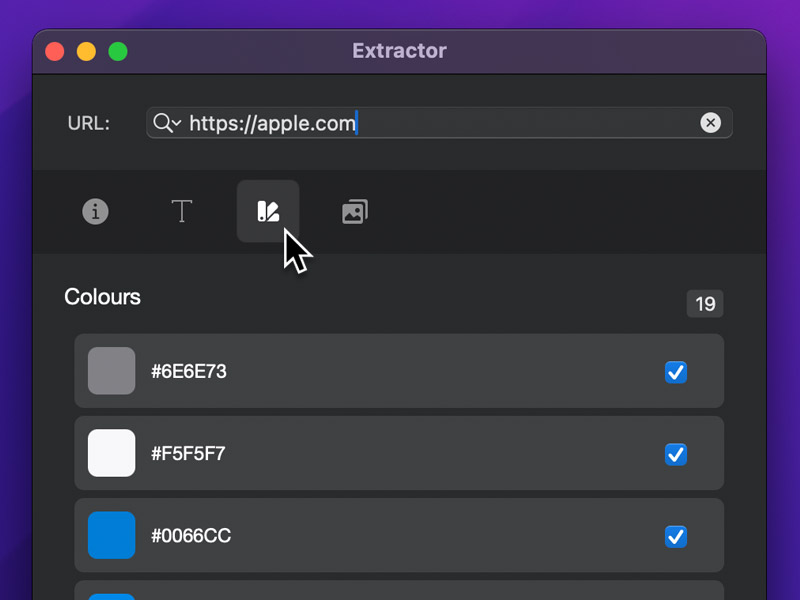
To begin extracting content from a website, enter the URL you’d like Blocs to scan and gather resources from.
Once the extraction process is complete, the overview displays a summary of all collected resources, including images, colours, and typography.
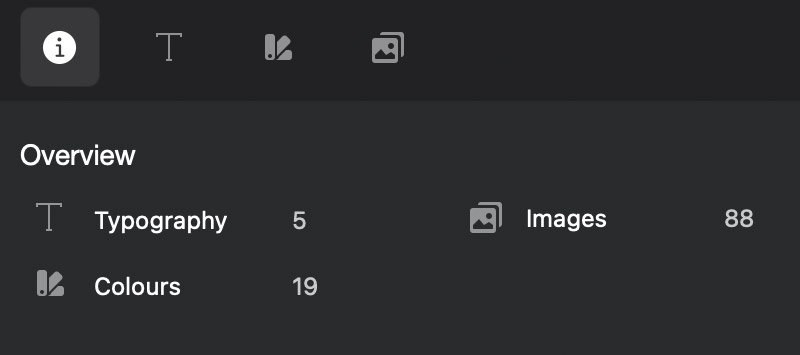
Selecting one of the tabs in the tab bar lets you explore the results in more detail.
Import Content
To import extracted content, click the Import button in the bottom-right corner of each tab. Image assets are added to the Asset Manager, colours to the Colour Manager, and font styles to the Class Manager.