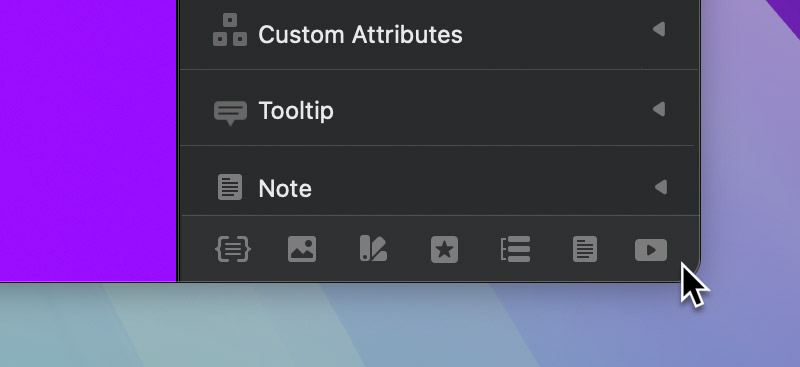
The window toolbar lets you quickly access all of the additional design windows available in Blocs such as the Class Manager, Asset Manager, Colour Manager, Icon Manager, Menu Manager, Project Notes and the Blocs Academy.
Opening windows via the toolbar
The window toolbar is located at the bottom of the inspector sidebar tab. To open one of the additional windows, simply click the relevant icon.