
Magic Install Links make it easy to share Blocs add-ons like .bex and .bexpac files using a single URL. With one click, the add-on is automatically downloaded and installed even launching Blocs if it’s not already open.
Why Use Magic Install Links
Magic Install Links are ideal for delivering add-ons to customers after purchase, such as in confirmation emails, as they significantly reduce the steps required for installation.
Create a Magic Install Link
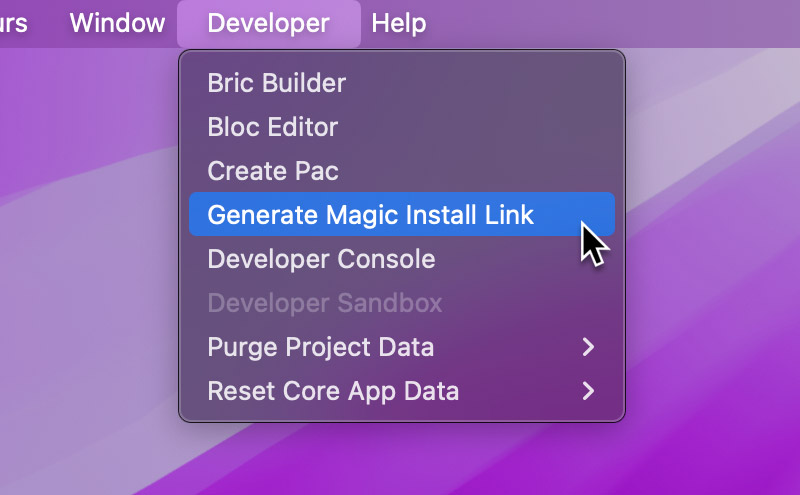
To create a Magic Install Link, head up the the main menu and select Developer > Generate Magic Install Link.
Enter a URL that points to either a .bex or .bexpac file and then click the Generate button.
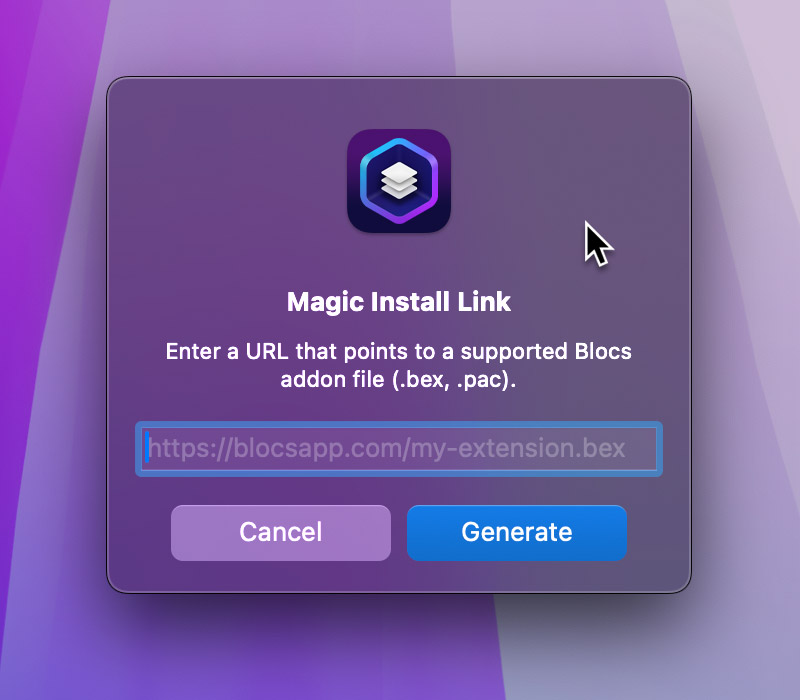
Your Magic Install Link will be copied to your Mac’s pasteboard ready to use.