
The Theme Manager lets you browse all available themes and if you own Blocs Plus, can also create, edit and export your own custom themes to share with others.
To open the Theme Manager, click the + button in the Theme Selection dropdown or select Window > Theme Manager from the main menu.
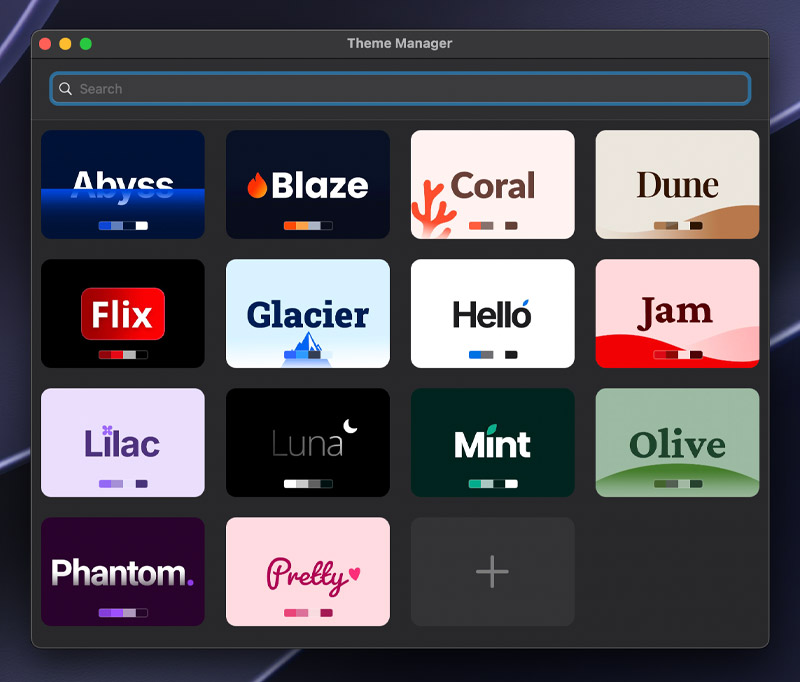
Core Themes
Blocs includes a collection of Core Themes. These themes cannot be edited directly but can be duplicated and customised.
Duplicate a Theme Requires Blocs Plus
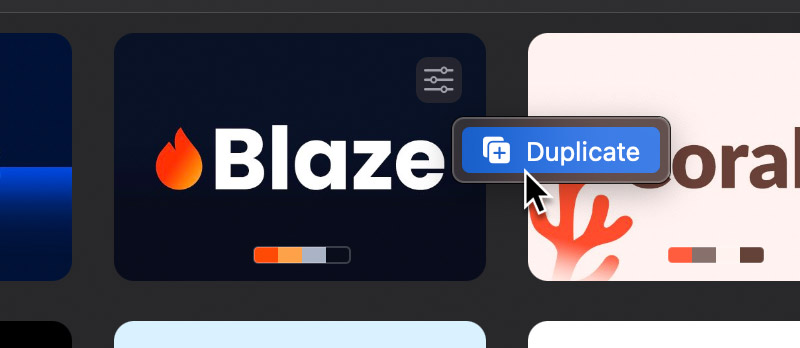
Right click any theme tile in the grid and select duplicate to create a new custom variant of a theme based on the original.
Creating a Theme Requires Blocs Plus
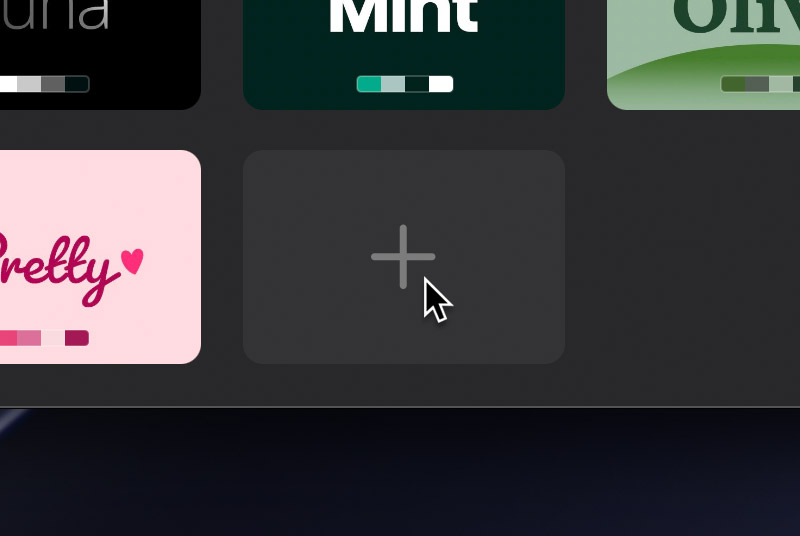
To create a new Theme, click the + button located at the end of the theme tile grid.
Editing a Theme Requires Blocs Plus
To edit the values of a custom theme, click its tile in the main grid, this will open the Theme Editor popover.
On the left side of the Theme Editor popover, you can access and add additional theme selectors (page elements) that your theme will target and style.
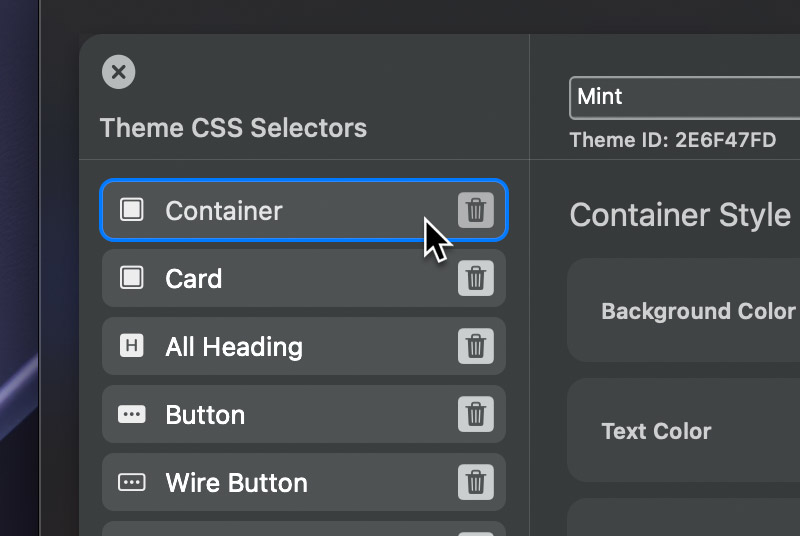
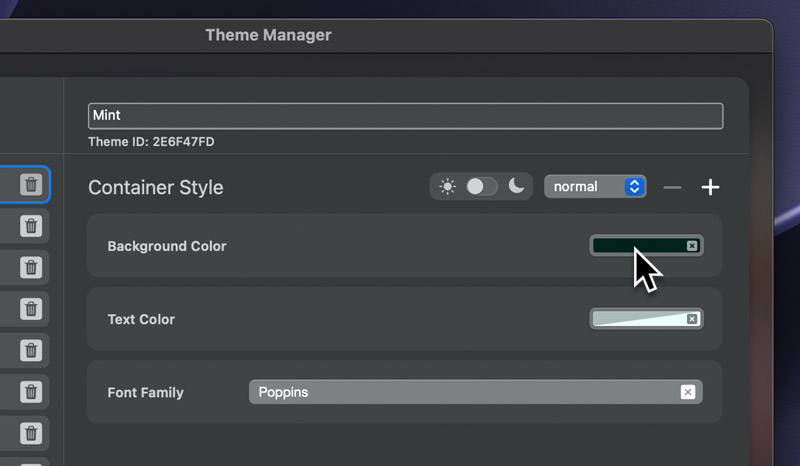
On the right, you can assign styling values for each selector. There are controls to assign values in both Light and Dark mode, as well as for all three states: Normal, Hover, and Active.
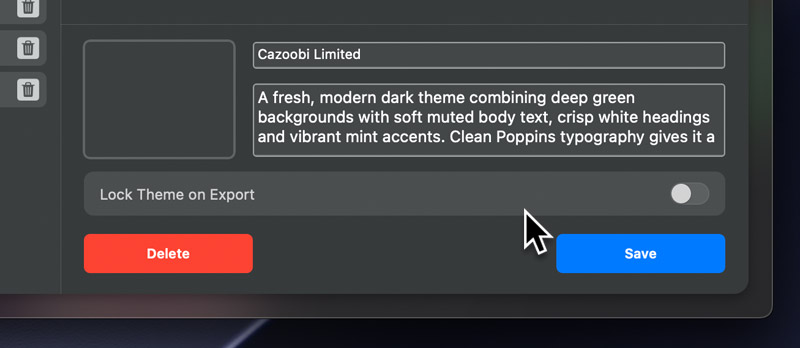
At the bottom, you can assign a thumbnail, specify an author and add a description for your theme. You can also choose whether others can edit your theme directly after it has been exported and shared, without needing to duplicate it first.
Sharing Themes
To export a custom theme, right-click the theme tile and select export from the context menu, then select the location to save the .blocstheme file.
Installing Themes
You can install a custom theme using the Extension Manager or by right clicking a .blocstheme file in the macOS Finder and opening it with a supported version of Blocs (minimum Blocs 7).